Interactive Instagram
Feed for Notion
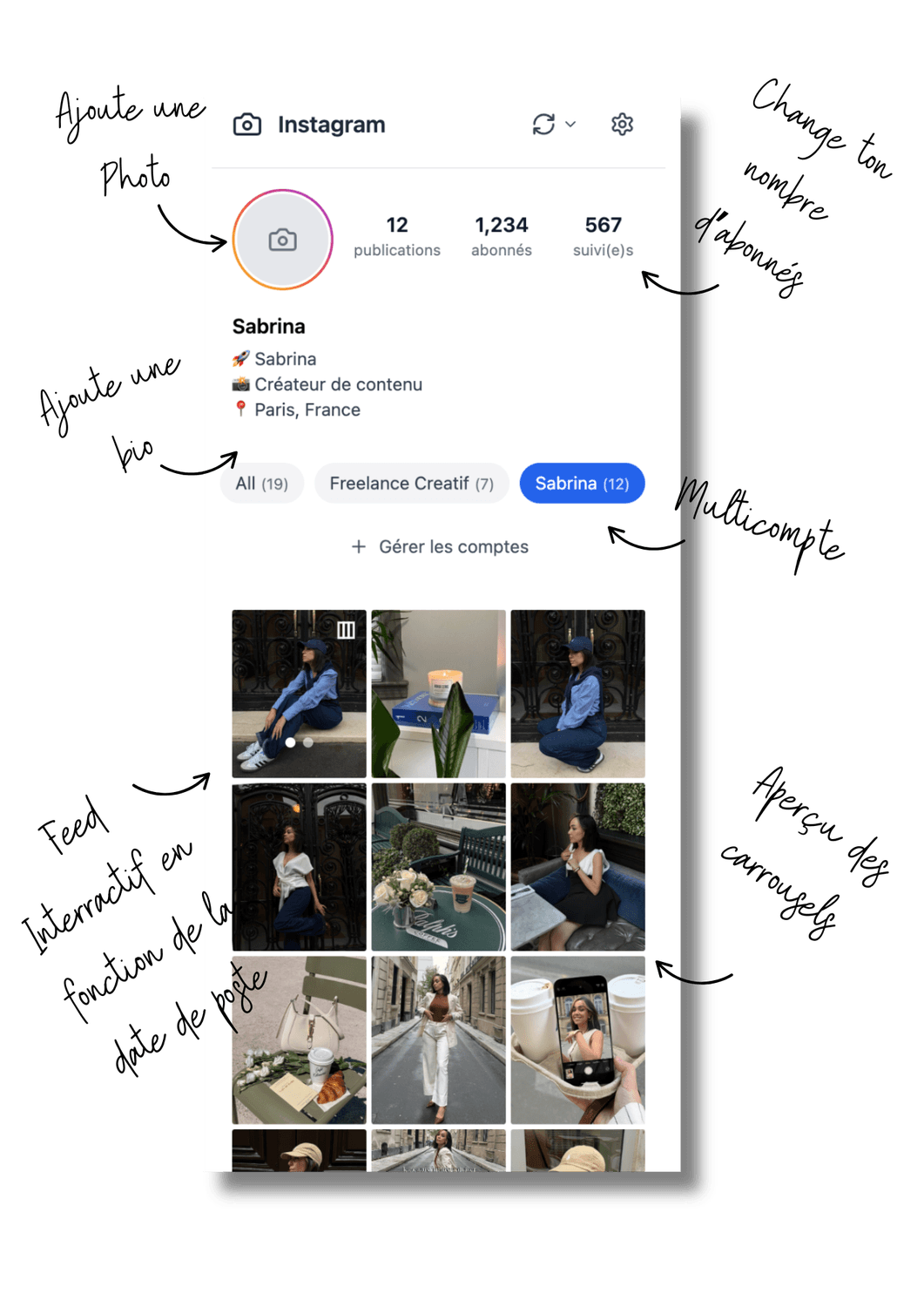
Preview and plan your Instagram grid live in Notion - No more Canva mockups and switching between tabs.
Get the Widget NowStill exporting
Canva mockups?
Babe... that's so 2010. Time to level up.
What if I told you that you can see exactly what your Instagram feed will look like - without opening Canva, without exporting mockups, and without having to mentally piece together post by post?
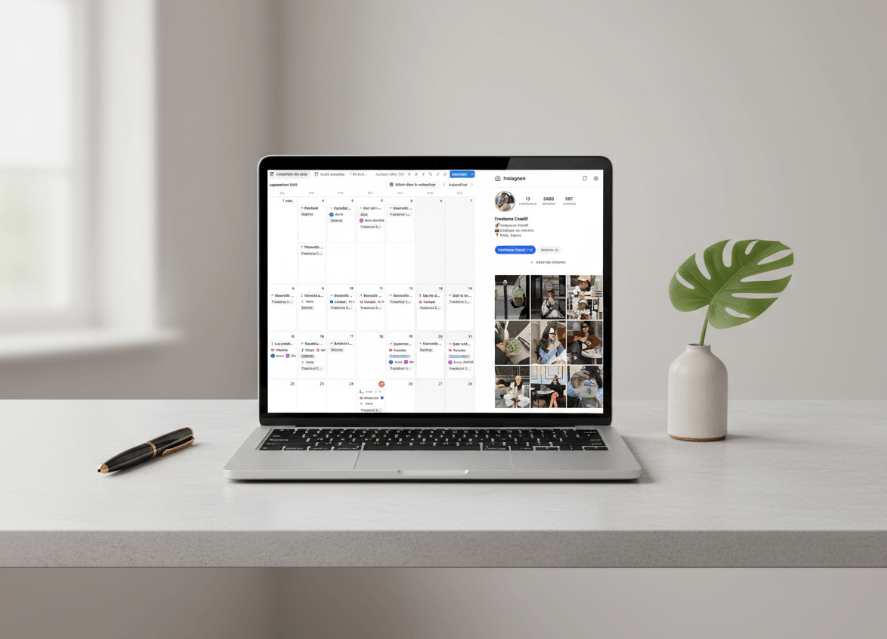
This widget connects directly to your Notion database and shows you your real feed, in real time. ✨
Stop struggling with Instagram
Discover the difference between planning like everyone else... and planning like a pro
Without the Widget
Daily struggles...
-
✗
Endless Canva mockups
You spend hours creating fake previews that never look like the final result -
✗
Switching between 10 tabs
Notion, Canva, Instagram, Photoshop... You lose track and your productivity -
✗
Grid shifts at the last minute
You publish and... surprise! It doesn't look anything like you expected -
✗
One account at a time
If you manage multiple accounts, it's total chaos to visualize each feed separately -
✗
No overall vision
Impossible to see if your posts will work well together before publishing -
✗
Reorganization = nightmare
Changing the order of your posts? You have to start from scratch every time
With the Widget
Planning becomes a pleasure
-
✓
Real-time grid preview
See exactly what your feed will look like before even scheduling -
✓
Everything centralized in Notion
No more juggling between 50 tools, everything happens in one place -
✓
Perfect grid every time
You know exactly how your posts will display together -
✓
Multi-account integrated
Manage all your Instagram accounts in one place and switch between each feed with one click -
✓
Instant overview
Up to 60 posts visible at a glance for perfect consistency -
✓
Drag & drop reorganization
Change the order of your posts in 2 seconds, your Notion database updates automatically based on publication date
Ready to stop struggling?
Join the creators who have already saved hundreds of hours with the Instagram Grid Widget
I want the Widget now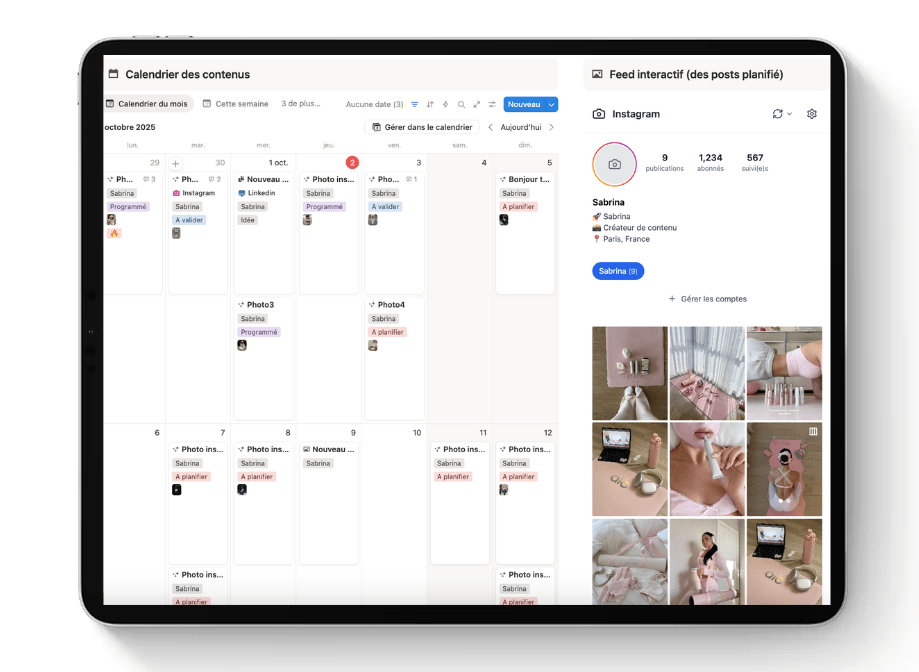
Complete Instagram Widget
Training + Exclusive Bonuses
Access all the content you need to master Instagram planning and create irresistible grids.
One-time payment • Lifetime access
✨ You save $113 today!
"Honestly? It pays for itself with the hours you stop wasting on Canva"
– Content creators who made the switch
Here's exactly what you can do
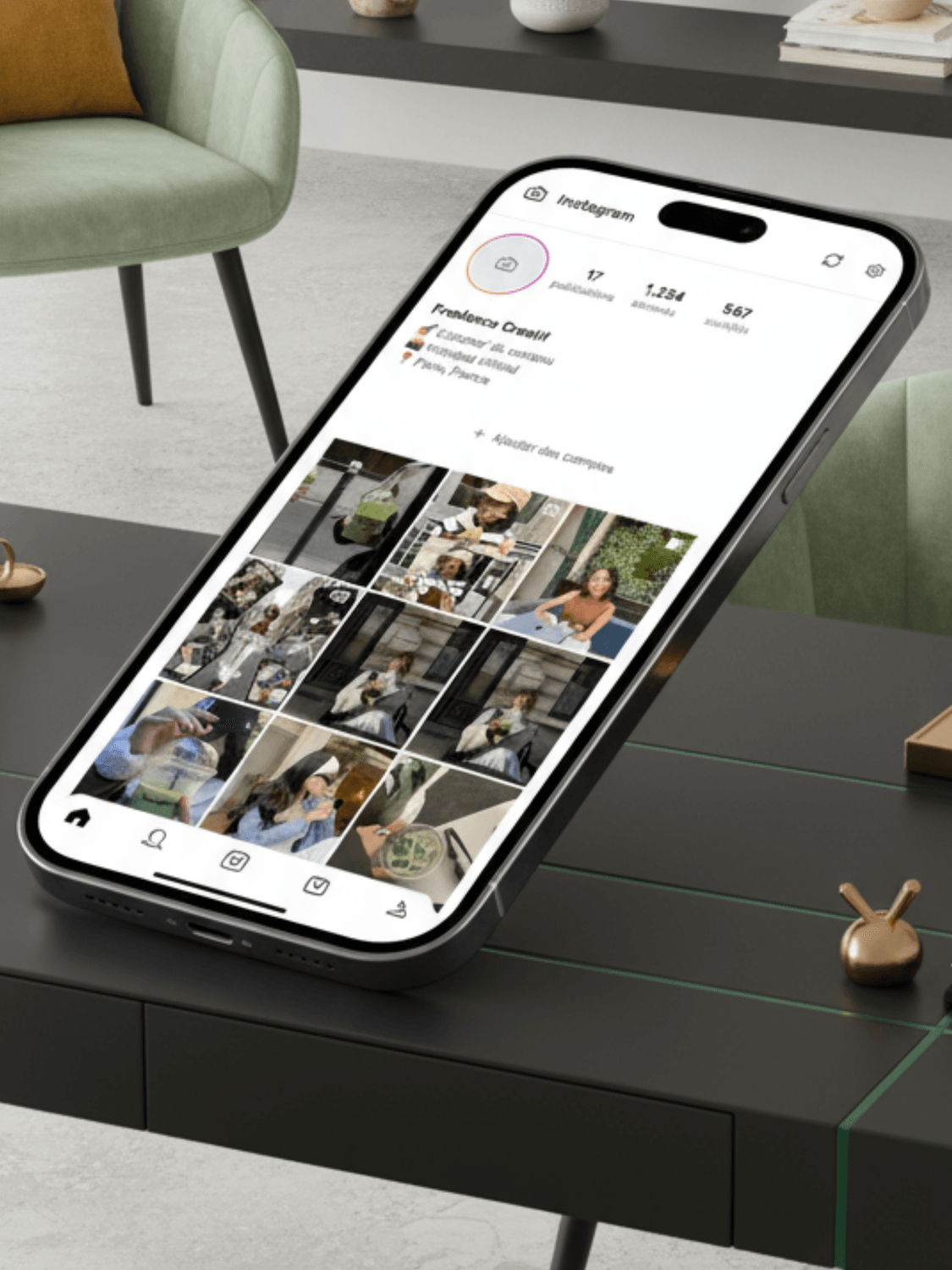
Display up to 60 posts
Plan and preview up to 60 upcoming posts at the same time to always know what your feed will look like.
Curation in seconds
Reorganize your scheduled posts with simple drag & drop and your Notion database syncs automatically.
Hover info
Hover over each post to see the scheduled date and title - without cluttering the visual.
Full preview
Click to enlarge, scroll through carousels and play videos directly in the widget.
Unlimited widgets
Create as many widgets as needed to manage multiple accounts or platforms from one place.
Multi-account
You can add multiple feeds if you manage multiple clients on the same calendar
They used the widget :
No one talks about it better than our users
(They tried it, they loved it!)

"Your Widget is an absolute gem"
“Honestly, your widget is an absolute gem! Super well thought-out, smooth, and above all, really useful. I love the design, the clarity, and how everything updates automatically. You can tell there’s real experience, testing, and care behind it. Congrats on your work — I’m 100% on board!”

"This system saved me.”
This system literally saved my life. Notion helped me reorganize everything. Even when I’m out of inspiration, I always have content ready to post. The result: I signed 2 new contracts in just one month — all thanks to my posts.

“A tool to help me get organized in a practical way.”
Before using Sabrina’s interactive content management widget, I was completely lost in my notes and ideas. Once I started using it, everything clicked. It helped me visualize my content, stay consistent, and manage everything in one place. It’s such a smart and intuitive tool — a total game-changer.
Ready to revolutionize your
Instagram planning?
Save 10+ hours per week and create consistent grids in just a few clicks. Once you've tried it, you'll wonder how you managed before.
One-time payment • Lifetime access
Here are the answers to your questions
Everything you need to know before getting started
Got a question? Contact me on WhatsApp 💬📱

How it works
Express Setup
Receive your personalized configuration link and follow the step-by-step guide to connect the widget to Notion in 2 minutes.
Notion Integration
Create an integration token from your Notion profile to give the widget secure access to your database.
Integration
Add the widget to any Notion page - your content system or client dashboard.
Usage
Use it in all your workflows - multiple accounts, separate platforms, or different client feeds.